Written by the senior Google Ads operator at Adgenix. Last updated 14 October 2026.
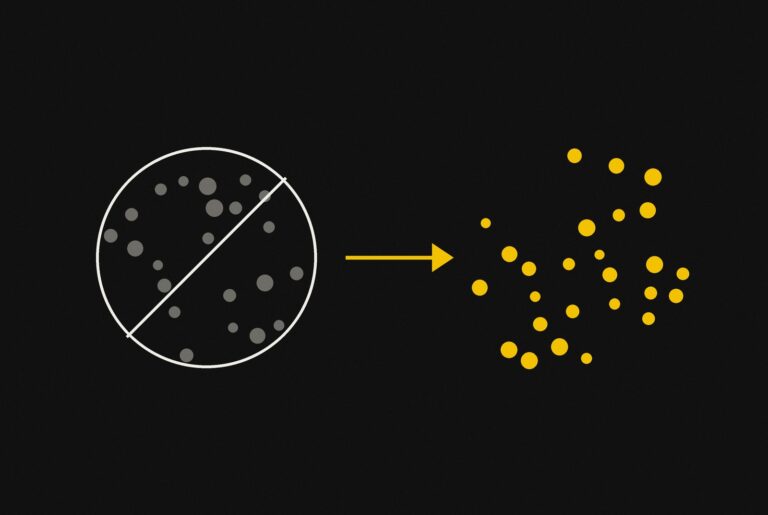
Brand searches are people typing your store’s name into Google. They cost little and convert at a high rate, so their ROAS is far higher than anything else in the account. When brand and non-brand results sit in one number, the account looks more profitable than its prospecting is. The fix is to split them and judge non-brand against your break-even ROAS on its own.
How much brand spend is healthy has no single answer. In the ecommerce accounts I manage, it depends on three things: how competitive your brand searches are, how long your customers take to decide, and whether the business is chasing growth or profit. This guide covers how to split the two, how to read the result, and how I set it up in Search, Shopping and Performance Max. I cover that split as part of ecommerce Google Ads management.
What counts as brand and what counts as non-brand?
Brand searches contain your store’s name. Everything else is non-brand, including searches for the product brands you resell.
Brand searches include:
- Your store name on its own (“acme outdoors”)
- Your store name with a product (“acme outdoors tent”)
- Common misspellings and spacing variants (“acmeoutdoors”, “acme outdoor”)
- Your domain typed into Google (“acmeoutdoors.com.au”)
The line gets blurry for retailers who sell other companies’ brands. If you sell Thule roof racks, a search for “thule roof rack” is not your brand. That person has not chosen your store yet, and you are competing with every other Thule stockist for the click. Treat it as non-brand. Only searches that already name your store belong in the brand bucket.
This matters because many accounts I audit put reseller brand terms into a “brand” campaign. That campaign then reports an inflated ROAS for searches the store has to win against competitors, and the real brand performance is impossible to see.
Why blended ROAS misleads
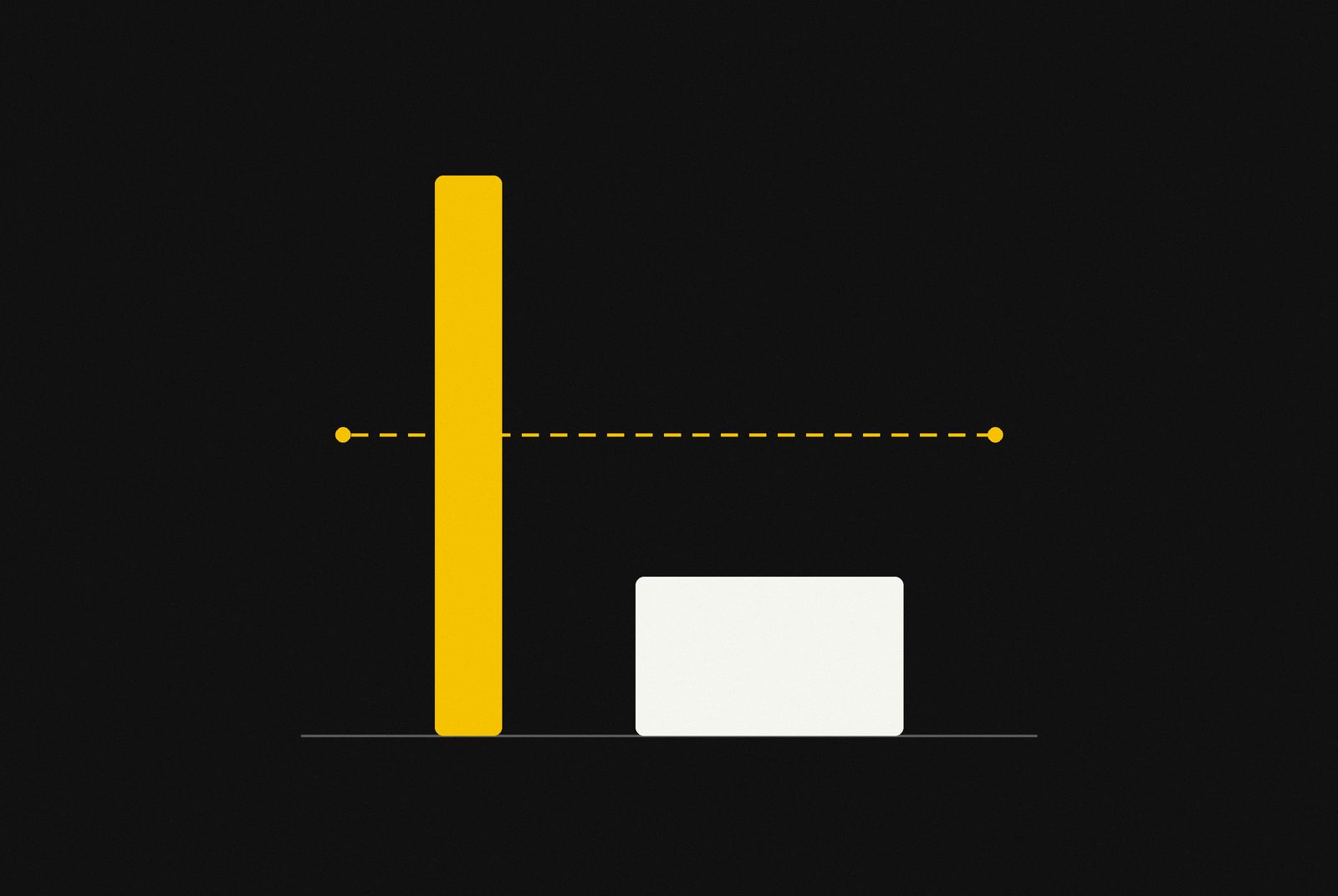
A blended ROAS can show a profitable account while every dollar of non-brand spend loses money.
Here is an illustrative example. The numbers are made up to show the arithmetic, not taken from a client account.
| Spend | Revenue | ROAS | |
|---|---|---|---|
| Brand | $1,500 | $30,000 | 20.0 |
| Non-brand | $8,500 | $25,500 | 3.0 |
| Blended | $10,000 | $55,500 | 5.55 |
Say this store needs a ROAS of 4.0 to break even after product costs, shipping and fees. The blended figure of 5.55 says the account is comfortably profitable. The non-brand figure of 3.0 says the part of the account that finds new customers loses money on every sale. A sale pushes that break-even higher, so check the discount maths before BFCM and read November’s blended ROAS against the new number.
Brand is 15% of spend here but 54% of revenue. That is typical of the pattern: a small slice of cheap brand clicks carries the whole account’s reported return.
Smart Bidding makes this worse when brand and non-brand share a campaign. Brand clicks are cheap and convert well, so a ROAS or conversion target pulls budget toward them. The campaign hits its target by buying more of the traffic that was easiest to win, and prospecting quietly shrinks.
Blended ROAS answers “is the account making money?” Non-brand ROAS answers “is advertising finding new customers profitably?” Most store owners need the second answer.
How much brand share is fine?
There is no universal healthy percentage. A high brand share is a problem in one business and exactly right in another. These are the factors I look at before judging it.
How competitive your brand searches are
If competitors, resellers or marketplaces bid on your store name, brand clicks cost more and you need more brand budget to hold the top spot. A higher brand share in that account is defence, not waste.
If nobody else appears when people search your name, brand clicks are cheap, and a large brand share usually means non-brand is underfunded or underperforming.
Auction Insights on the brand campaign shows who else is bidding on your name and how often.
How long your customers take to decide
For products with a long decision cycle, a high brand share can be the result of non-brand working, not a sign it is failing.
Someone researching a $2,000 piece of furniture might find you through a non-brand search, leave, compare options for two weeks, then come back by typing your store name. The sale is recorded against the brand search. The non-brand click that introduced them gets little or no credit.
For low-priced, quick-decision products, that pattern is much weaker. Most brand searches come from people who already know and buy from you. A high brand share there is more likely to be existing customers finding you through a paid click.
Whether the goal is growth or profit
A store focused on profit can reasonably run a high brand share. It protects cheap, high-return sales and spends less on expensive prospecting.
A store that needs new customers cannot. If most of the budget goes to people who already know the store, the customer base is not growing, however good the blended ROAS looks.
Should you bid on your own brand name?
Yes, usually. For most ecommerce stores, brand campaigns are cheap protection.
- Competitors and resellers can bid on your name. Without your own ad, a competitor’s ad can sit above your organic listing on a search for your store.
- You control the message. A brand ad lets you show current offers, free shipping thresholds and sitelinks to your key categories.
- Brand clicks are usually cheap. Your store name is the most relevant possible match for your own ads, so the cost per click tends to be low.
The cost of protecting your brand is small. The risk of leaving it open is that a competitor captures people who were already looking for you.
If you want to measure how much of your brand revenue the ads are adding, a short pause test during a quiet period shows the change in total sales. Measure total sales across paid and organic, not just paid, because some brand clicks move to your organic listing when the ad is off.
How I separate brand and non-brand in an account
I use three layers, and they work together. Missing any one of them lets brand traffic leak back into non-brand results.
1. A separate brand campaign
Brand searches get their own Search campaign with its own budget and bid strategy. This keeps brand results visible on their own line and stops cheap brand conversions from shaping how non-brand campaigns bid. Brand exclusion is also how I steer spend toward new customers, as covered in new customer acquisition in Performance Max.
2. Brand negatives in non-brand campaigns
Every non-brand Search campaign gets a shared negative keyword list containing the store name and its variants. Without it, broad match and AI Max will happily match brand searches in non-brand campaigns, and the brand campaign loses the traffic it was built for.
My negative keyword strategy guide covers how to build and maintain shared lists.
3. Brand exclusions in Performance Max
Performance Max will bid on your brand searches unless you stop it. Because it reports everything in one place, those cheap brand conversions inflate its ROAS and make prospecting look stronger than it is.
Google’s brand exclusions apply to Performance Max on Search, Shopping and YouTube search inventory. There is a separate setting that allows Shopping ads to show on searches mentioning an excluded brand (Google Ads Help). Check that setting deliberately. If it allows Shopping ads on your brand searches, part of your brand traffic still flows into Performance Max.
My Performance Max structure guide covers where brand exclusions fit in the wider setup.
Standard Shopping needs a different approach
Standard Shopping does not let you target or exclude searches with keywords in the same way as Search. Brand traffic there is controlled with negative keywords on the Shopping campaign. If you run Standard Shopping alongside Performance Max, check both, because brand searches can end up in whichever campaign has the weakest controls.
How to check your own brand split in 15 minutes
You can see how much your blended number hides without changing anything in the account.
- Confirm your conversion tracking counts purchases only. If add-to-carts or page views are in the main conversion column, every ROAS figure below is inflated. My guide to setting up Google Ads conversion tracking covers the check. For which actions belong in primary and which in secondary, see what should count as a conversion.
- Open the search terms report for the last 90 days. Select Campaigns, then Insights and reports, then Search terms.
- Filter for search terms containing your store name and its common misspellings.
- Add up cost and conversion value for those terms. That is your brand ROAS.
- Subtract them from the account totals. What remains is your non-brand ROAS.
- Compare non-brand ROAS with your break-even ROAS. If it sits below break-even, the account is relying on brand to look profitable.
For Performance Max, check the search terms insights for the campaign as well. If brand searches show up there, brand exclusions are either missing or the Shopping setting is letting them through.
What to do with the result
If non-brand ROAS is below break-even, the fix is in non-brand. Cutting brand spend will not solve it.
Start with the usual causes:
- Wasted search terms. Non-brand campaigns attract the most irrelevant searches. My wasted spend benchmarks show what a healthy level looks like by account age.
- Bid targets set on blended results. A ROAS target that was hit with brand included is often unrealistic for non-brand alone. Reset it from non-brand data.
- Product feed quality. In Shopping and Performance Max, weak product titles mean Google matches your products to loose, low-intent searches.
If non-brand ROAS is above break-even, the split still pays off. You can now see how much room you have to scale prospecting before it stops being profitable, which a blended number never shows. If paid social is part of your mix, our Facebook ads specialist page explains how Meta and Google work together.
Frequently asked questions
What is a good brand ROAS in Google Ads?
Brand ROAS is usually far higher than non-brand, often several times higher, because people searching your store name already intend to buy. There is no useful target for it on its own. Its main job is to be separated, so that non-brand performance can be judged against your break-even ROAS.
Is it wasteful to pay for clicks on my own brand name?
Not usually. Brand clicks are cheap, they stop competitors and resellers taking the top spot on searches for your store, and they let you control the message. Brand spend becomes a problem when it takes a large share of budget in an account that needs new customers and faces no competition on its brand terms.
Does Performance Max bid on my brand searches?
Yes, unless you apply brand exclusions. Performance Max can serve on searches for your store name, which inflates its reported ROAS. Brand exclusions cover Search, Shopping and YouTube search inventory, with a separate setting that controls whether Shopping ads may still show on excluded brand searches.
Why does a long sales cycle increase brand share?
Customers who take weeks to decide often discover a store through a non-brand search, leave to compare options, and return later by searching the store’s name. The purchase is credited to the brand search, so brand share rises even though non-brand advertising introduced the customer.
Are searches for brands I resell counted as brand?
No. Searches for product brands you stock are non-brand, because the searcher has not chosen your store yet and every other stockist competes for the same click. Only searches that include your own store’s name belong in the brand bucket.
Where to go from here
A blended ROAS can stay healthy for months while non-brand spend loses money. The 15-minute check above shows whether that is happening in your account, and the three-layer setup keeps the two apart from then on.
If you would rather have the split done for you, the Free Revenue Leak Report includes a brand and non-brand breakdown, with non-brand ROAS compared against your break-even. For ongoing help, see my ecommerce PPC management service.